
ecommerce tools
Omnisend vs HubSpot for Shopify: The Honest Comparison
Most comparison articles about email marketing platforms end with "it depends on your business needs." That ...
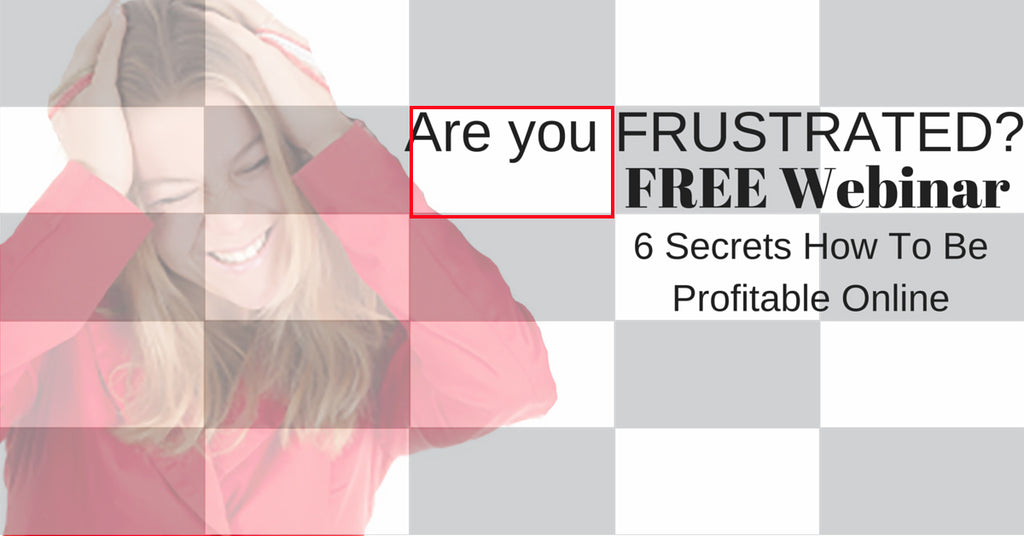
We will show you several ways to solve that problem. The image above has an overlay to show you a grid Facebook uses to test the 20% rule.
5 Of the boxes adds up to 20%. Make sure you don't squeeze in too much text. It will not look good. Check on your Facebook feed to see how text is used in Ads.
Canva is definitely the easiest way to create posts and ads for all social media.
Create your image from the standard samples Canva offers you. Then search for "20% text" and 2 overlay samples will be shown.
Drop it into your image and then make sure you drag the square to fit the box. And voila! you have your 20% text for Facebook ads.
 Facebook Gridtool
You can also use Facebook Gridtool to check the 20% fit of your text and be within the Facebook paramaters. 
